
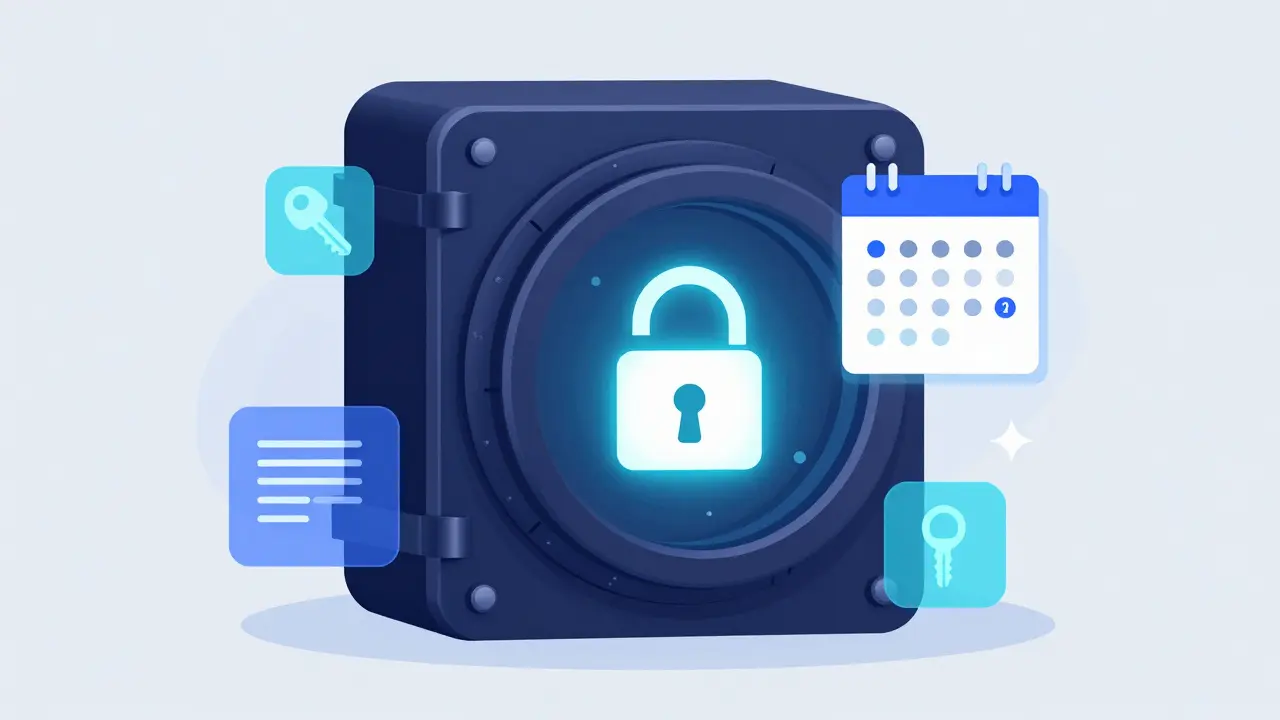
Imagine you have a set of project files that only your colleague should see if you are unreachable for more than two weeks. Or perhaps you want to schedule a personal note to arrive on a specific date next year. Most cloud services treat these scenarios as edge cases or ignore them entirely. Vaulternal is an encrypted vault storage platform built on decentralized infrastructure that makes conditional access a core feature rather than an afterthought.
The platform’s trigger system lets you define exactly when and under what conditions a recipient can unlock specific files. This isn't just about setting expiration dates; it's about creating rules for continuity. Whether you are managing sensitive credentials or planning a delayed message, understanding how these triggers work inside this digital vault is crucial for getting the most out of the service.
How Time-Based Triggers Work in Vaulternal
At its core, a time-based trigger in Vaulternal acts as a gatekeeper for decryption keys. When you upload a file, the system encrypts it using client-side AES-256-GCM encryption. The actual data is chunked and hashed before being sent to the distributed storage layer, which includes Arweave for permanent storage and IPFS for peer-to-peer distribution. Polygon handles the on-chain metadata anchoring. None of this happens on a central server that could be subpoenaed or hacked in a traditional sense.
Here is where the trigger comes in. You do not give the recipient the key immediately. Instead, you configure a rule. For example, you might set a rule that says: "Unlock this file for User B exactly 7 days from now" or "Unlock this file if I haven't logged in for 14 consecutive days." The platform monitors these conditions. Once the condition is met, the necessary cryptographic material is released to the authorized recipient.
This mechanism relies heavily on the zero-knowledge architecture. Vaulternal cannot read your files, nor can they manually release the keys early. The release is governed by the smart contract logic and the decentralized nature of the storage. This ensures that even if someone tries to tamper with the system, the integrity of your scheduled access remains intact.
Setting Up Your First Trigger: Step-by-Step
To get started with a time-based trigger, you need to understand the workflow. It is straightforward but requires precision because you cannot edit a trigger once it is active in many configurations. Here is how you set it up:
- Upload and Encrypt: Select the file you want to protect. The browser extension or web interface will handle the local encryption. Ensure you see the confirmation that the file is fully encrypted before proceeding.
- Select Recipients: Add the email addresses or public keys of the people who should receive access. You can add multiple recipients, each with their own unique encrypted key share.
- Choose Trigger Type: Navigate to the "Access Rules" section. Select "Time-Based" from the dropdown menu. Other options include inactivity-based and trusted-contact-based triggers, but we are focusing on time here.
- Define the Condition: You will see two main options:
- Scheduled Date: Pick a specific calendar date and time. This is useful for planned handovers or delayed messages.
- Relative Delay: Set a duration (e.g., "in 30 days"). This is helpful when the exact date doesn't matter, but the timeframe does.
- Confirm and Lock: Review the details. Once you click "Create Trigger," the system generates the cryptographic locks. You will receive a notification confirming that the trigger is live.
It is important to double-check the recipient information. Since this is a zero-knowledge system, there is no way to reset a password or recover access if you mistype an email address. The security is absolute, which means the responsibility for accuracy lies entirely with you.
Real-World Scenarios for Conditional Access
Understanding the technical setup is one thing; knowing when to use it is another. Here are three practical scenarios where Vaulternal's triggers shine.
1. Project Handovers During Unavailability
Suppose you are going on a month-long expedition without reliable internet. Your team needs access to a specific design asset if a critical issue arises, but you don't want them to have it right now. You can set a time-based trigger to release the file after day 10. If everything goes smoothly, you return and manage the file yourself. If you are still offline and the crisis hits, the team gets the access they need automatically.
2. Sending a Letter to Your Future Self
This is a popular use case for personal users. Want to send a letter to your future self? Write a journal entry, a reflection, or a goal-setting document today. Upload it to your digital vault. Set a trigger to release the file to your own account in five years. Because the storage is decentralized and permanent, you can be confident the file will still be there when the date arrives. It is a digital time capsule that respects your privacy.
3. Temporary Credential Sharing
Freelancers often need to share temporary access codes with clients. Instead of sending a password via email (which stays in the inbox forever), you can store the credential in Vaulternal. Set a trigger to expire the access after 48 hours. After that window closes, the recipient can no longer decrypt the file. This reduces the attack surface significantly compared to traditional password storage methods where old credentials linger indefinitely.

The Role of Decentralized Storage in Trigger Reliability
Why does the storage backend matter for triggers? In a centralized system, if the company goes bankrupt or loses its servers, your scheduled releases vanish. With Vaulternal, the files are stored on Arweave, which is designed for permanent, immutable storage. IPFS ensures redundancy across nodes, and Polygon anchors the metadata on-chain.
This decentralized storage approach means that the trigger logic is not dependent on a single point of failure. Even if the primary interface changes, the underlying data and the cryptographic commitments remain accessible. The trigger is essentially a promise encoded in cryptography and anchored on a blockchain, making it highly resistant to censorship or accidental deletion.
However, this also means you must keep your own recovery phrases safe. If you lose your master key, you lose access to your vault settings, including the ability to cancel or modify pending triggers. There is no customer support team that can reset this for you. That is the trade-off for true privacy and control.
Comparison: Starter vs. Pro Plans for Triggers
Vaulternal offers different tiers that affect how you use triggers. Here is a breakdown of how the plans impact your workflow:
| Feature | Free Plan | Starter Plan ($8.33/mo) | Pro Plan ($15/mo) |
|---|---|---|---|
| Storage Limit | Limited | Unlimited | Unlimited |
| Number of Active Triggers | Few (Trial basis) | Moderate | High Volume |
| Recipient Limits per File | 1 | Up to 5 | Unlimited |
| Trigger Complexity | Basic Time Only | Time + Inactivity | All Trigger Types |
If you are just testing the waters, the Free plan allows you to create a basic time-based trigger. However, for professional use-such as managing multiple project handovers or complex sharing rules-the Starter or Pro plans are essential. The Pro plan is particularly useful if you need to combine time-based triggers with inactivity monitors for robust business continuity planning.

Troubleshooting Common Issues
Even with a solid system, users run into hiccups. Here are the most common issues and how to resolve them.
- Trigger Not Firing: Check the timezone settings. Vaulternal uses UTC for all trigger calculations. If you set a trigger for "9 AM" but didn't account for the UTC offset, it might fire at an unexpected local time. Always verify the UTC timestamp in the confirmation screen.
- Recipient Can't Decrypt: Ensure the recipient has the latest version of the Vaulternal app or browser extension. Older versions may not support the latest key derivation functions. Also, check that they haven't lost their own private key.
- File Too Large: While storage is unlimited on paid plans, very large files take longer to chunk and hash. If a trigger involves a multi-gigabyte file, ensure the recipient has sufficient bandwidth to download the chunks from the IPFS network when the trigger fires.
Remember, because this is decentralized storage, retrieval speeds depend on the health of the IPFS swarm. For critical, immediate-access files, consider keeping a local backup as well. Vaulternal is best used for secure, long-term, or conditional access, not for high-speed streaming.
Best Practices for Secure Trigger Management
To get the most out of Vaulternal, follow these guidelines:
- Audit Regularly: Log in quarterly to review your active triggers. Cancel any that are no longer relevant. Leaving dead triggers active is clutter and potential confusion.
- Use Specific Dates: Whenever possible, use absolute dates rather than relative delays. "December 31, 2026" is clearer than "In 365 days" because it accounts for leap years and potential changes in your life circumstances.
- Test with Dummy Files: Before setting up a critical trigger for real documents, test the process with a dummy text file. Send it to a friend and have them confirm receipt. This validates your configuration without risking sensitive data.
- Backup Your Keys: This cannot be stressed enough. Write down your recovery phrase and store it in a physical safe. Without it, you cannot manage your triggers, even if they haven't fired yet.
Vaulternal provides a powerful tool for managing access in a trustless environment. By leveraging decentralized storage and client-side encryption, it ensures that your data remains yours, and your rules are followed precisely. Whether you are looking to send a letter to your future self or secure a business handover, the platform offers the reliability and privacy that modern digital life demands.
Can I cancel a time-based trigger after it has been created?
Yes, you can cancel a trigger as long as the condition has not yet been met. To do this, log into your dashboard, navigate to the "Active Triggers" section, find the specific trigger, and select "Revoke." Once revoked, the recipient will never receive the decryption keys, even if the original time condition is eventually reached.
What happens if I forget my password?
Because Vaulternal uses a zero-knowledge architecture, there is no password reset function. If you forget your password, you must use your recovery phrase (seed phrase) to restore access. If you lose both your password and your recovery phrase, your data is permanently inaccessible. This is a fundamental aspect of client-side AES-256 encryption.
Is Vaulternal suitable for storing passwords?
Yes, Vaulternal can serve as a secure password storage solution. You can store text files containing credentials and use triggers to share them temporarily or conditionally. However, for daily password management, dedicated password managers with auto-fill features might be more convenient. Vaulternal excels at long-term, conditional, or high-security storage.
How does the decentralized storage work?
Files are encrypted locally on your device, then split into chunks. These chunks are stored on Arweave for permanence and IPFS for distribution. Metadata is anchored on the Polygon blockchain. This decentralized storage model ensures that no single entity controls your data, providing resilience against server failures, censorship, and unauthorized access.
Can I send a video to myself in the future?
Absolutely. You can upload any file type, including videos, to your digital vault. Set a time-based trigger to release the file to your own account on a future date. This is a great way to preserve memories or milestones. Just ensure you have enough storage space on your chosen plan.